
Cosmo align
An interactive learning game designed to help kids explore the solar system through play, using drag-and-drop interactions and animated motion.
Personal project
Role:
Branding, Design and Code
Date:
Jan 2026
Tools
Figma, Figma make and Claude code

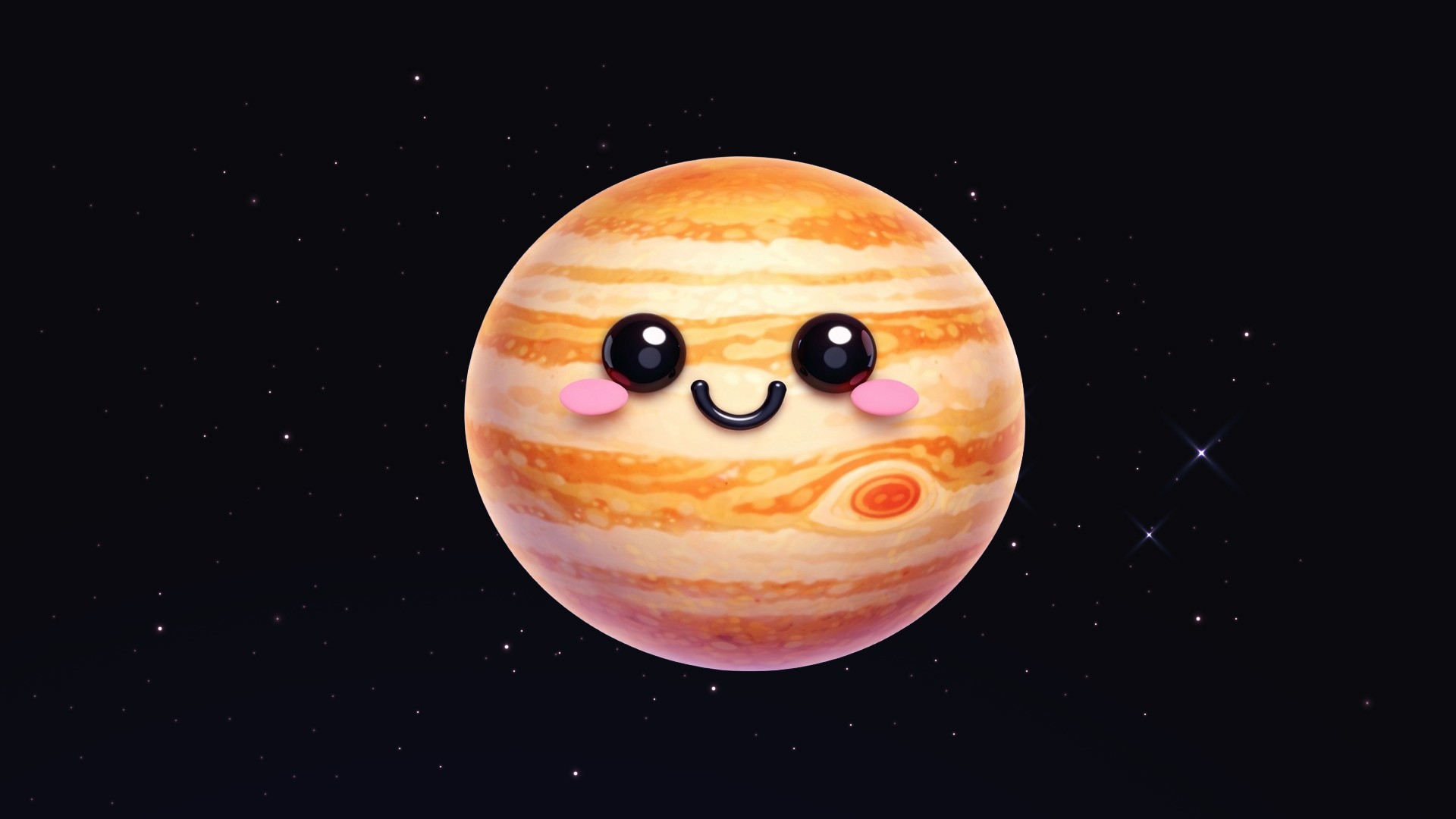
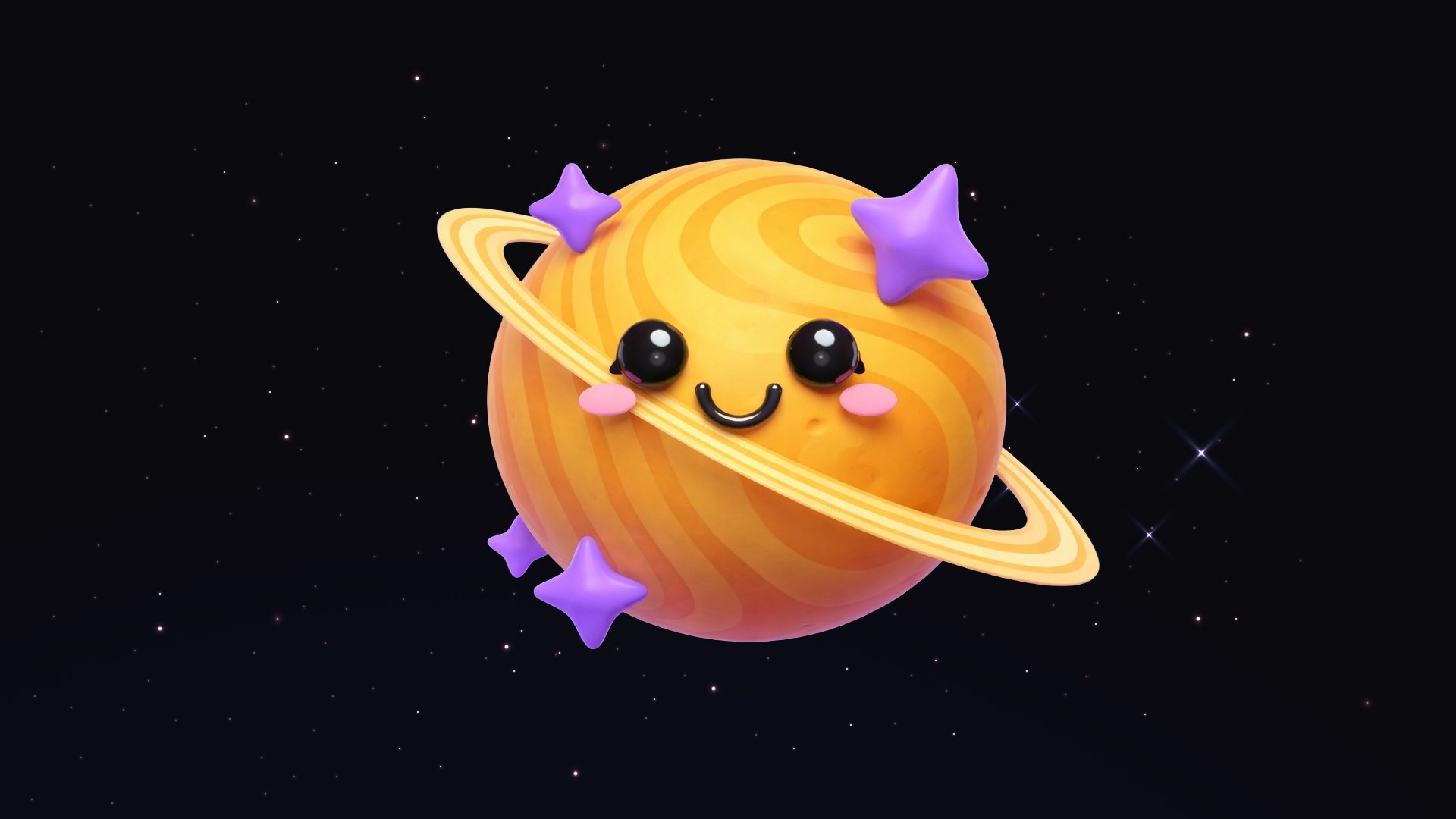

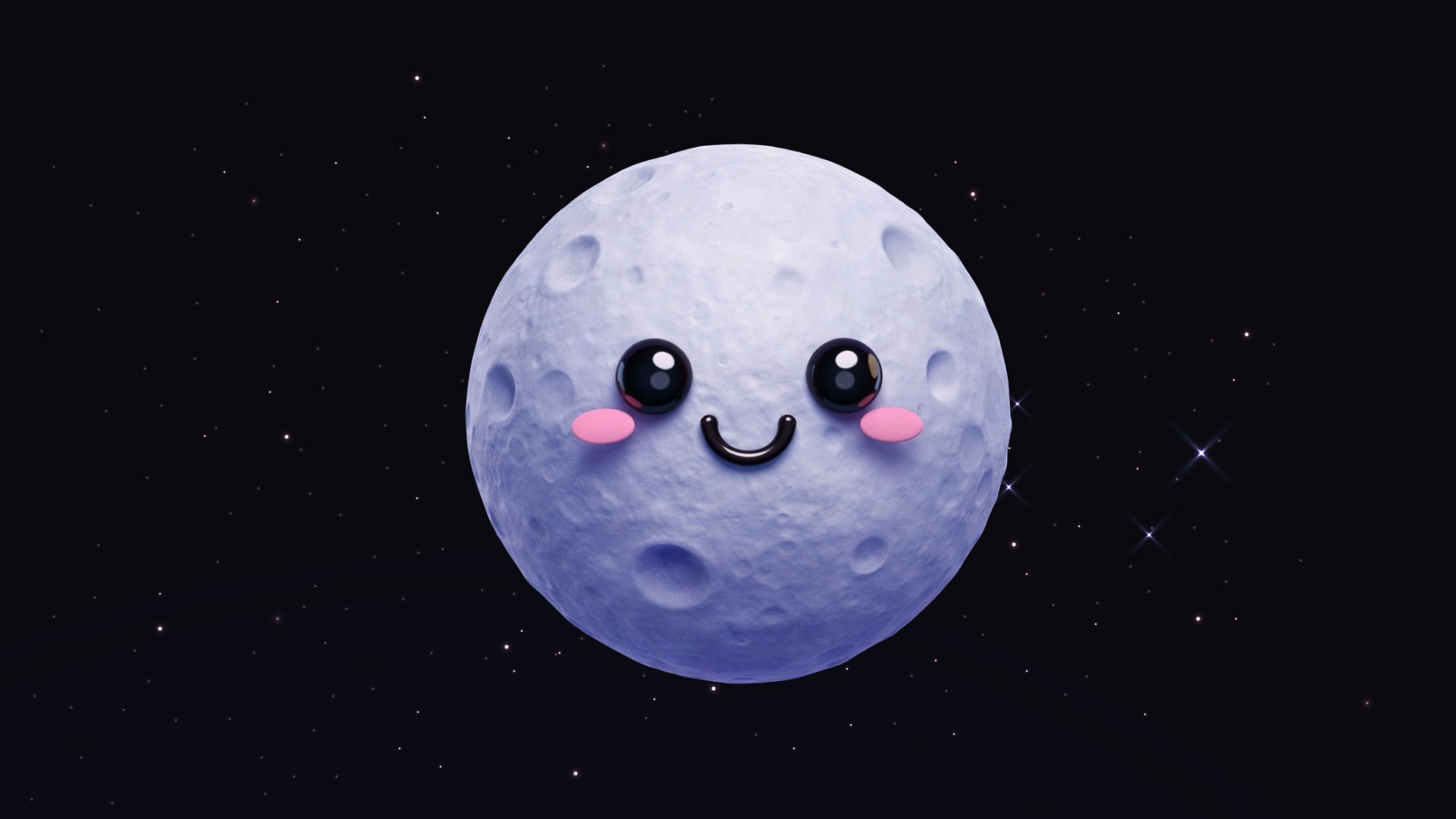
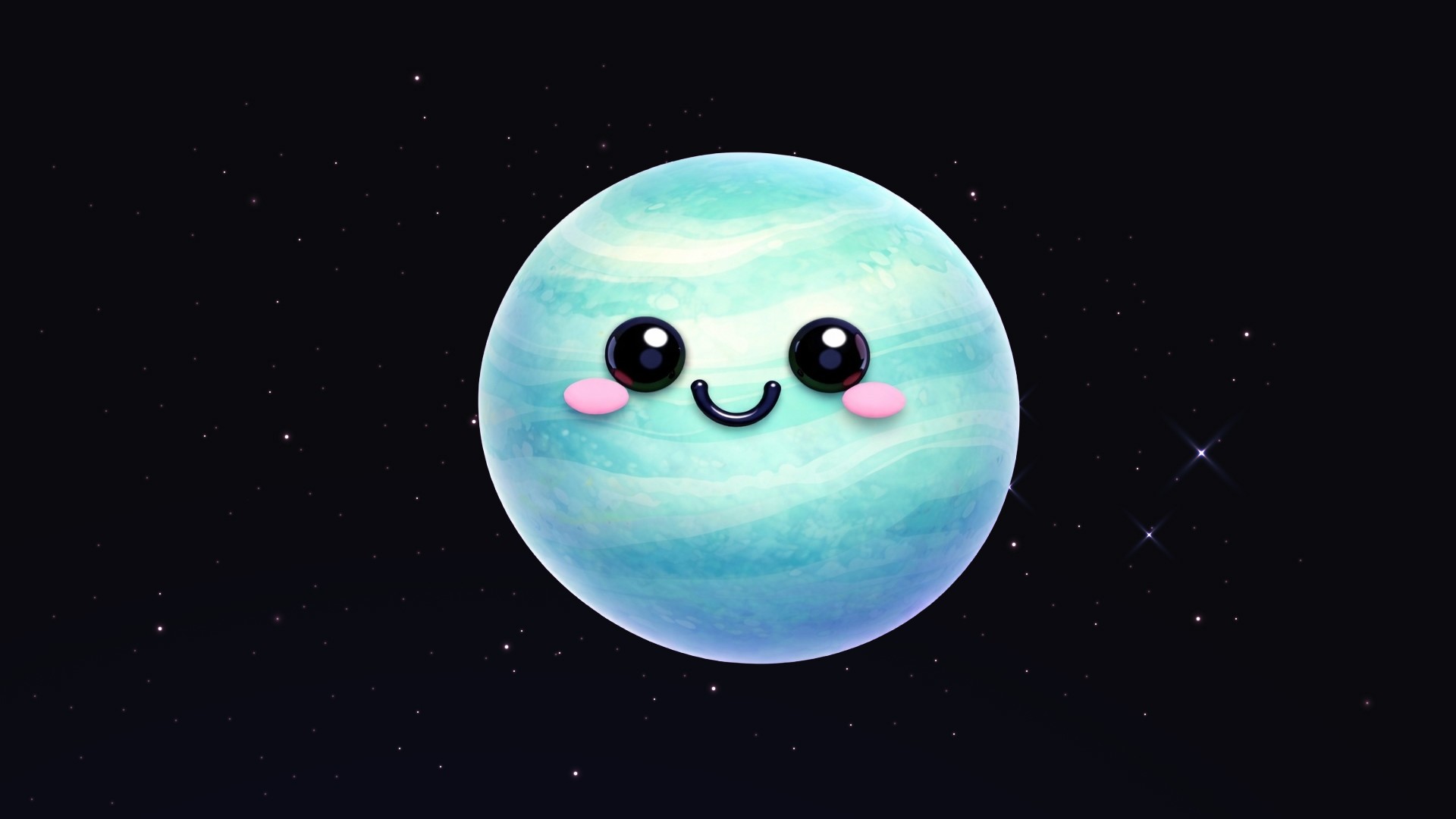
Project context
During a weekend conversation with my kids about the universe and the solar system, I realised how challenging it was to explain abstract concepts like planet positions and orbits in an engaging way. I decided to turn this into an opportunity to create a small, interactive learning experience tailored specifically to them.



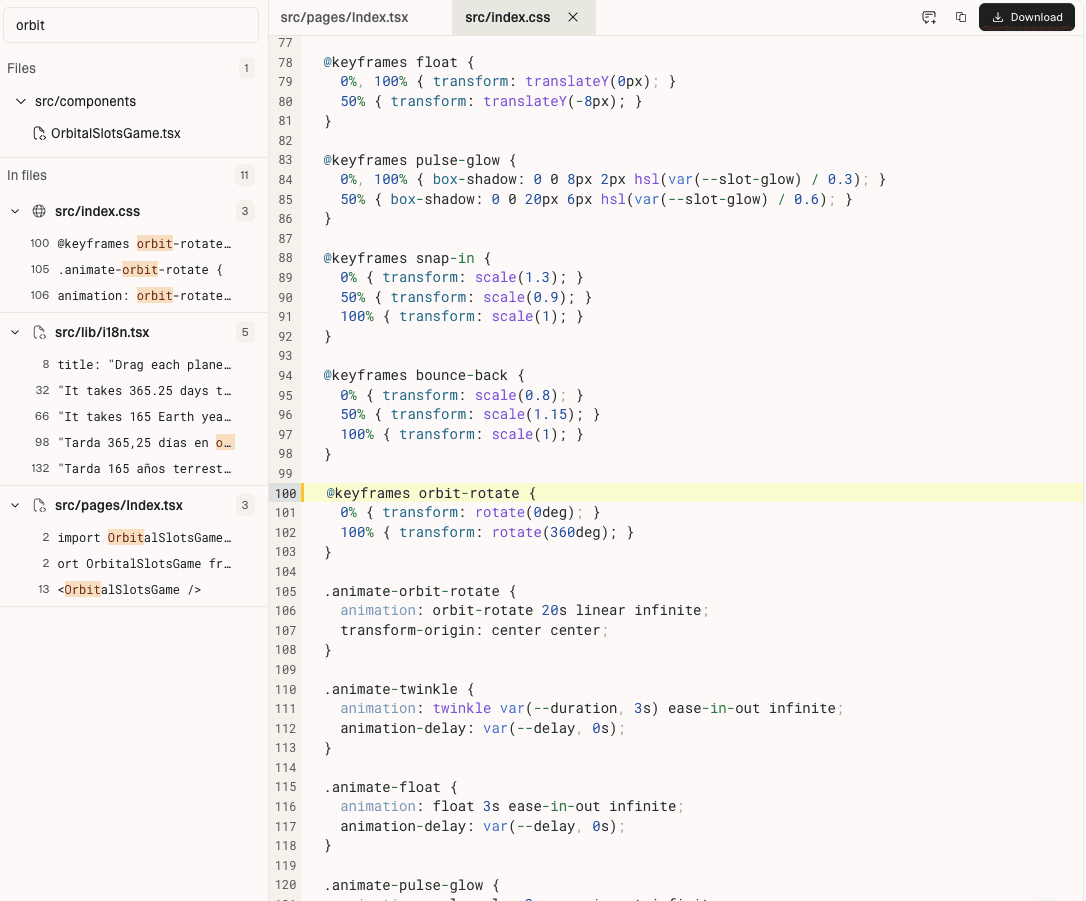
Debugging the orbit
Animating circular motion sounds simple, but getting the timing, spacing, and relative movement to feel “right” (while keeping performance smooth and the logic understandable) required more iteration than I expected.
To get there, I went through multiple back-and-forth iterations using tools like Claude Code and Lovable. Refining how the orbital paths were calculated, how speed was represented, and how interactions layered on top of the animation without breaking the experience. It was a mix of tweaking math, animation timing, and UX clarity until everything aligned.
Design and playtest
I designed and built a simple drag-and-drop game where:
Kids could place planets in the correct order position
When game is completed, each planet is clickable, revealing fun facts
Interaction replaced passive learning
I then playtested the experience directly with my target users (my kids 😄). Their feedback was clear:
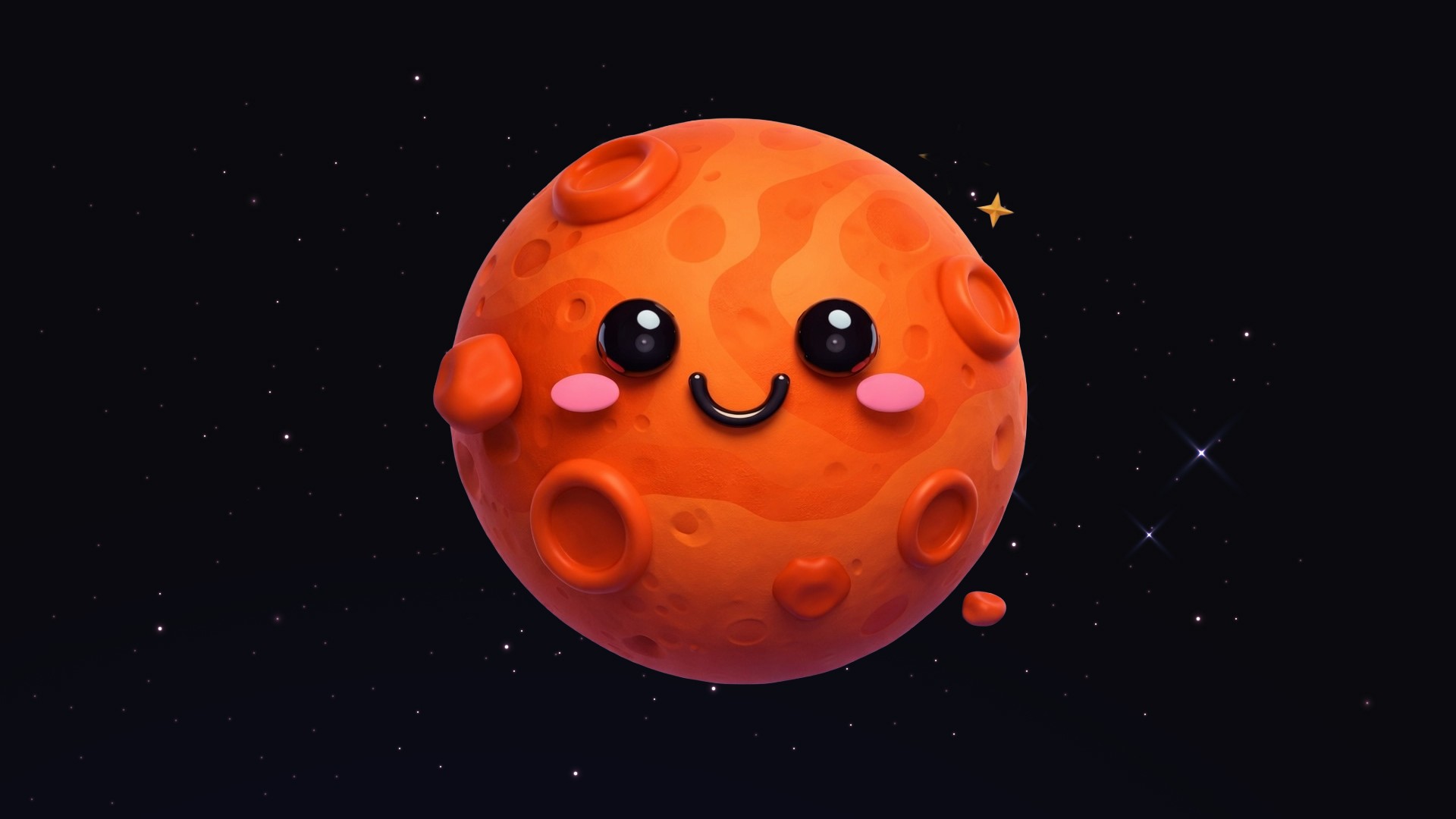
“Make it more kawaii”
“Make the planets bigger so we can see how cute they are”
Based on this, I iterated on:
Visual style (designed a more playful, cute aesthetic)
Scale and clarity of elements (larger, more prominent planets)
Overall emotional appeal - added a fun confetti animation when game is completed!
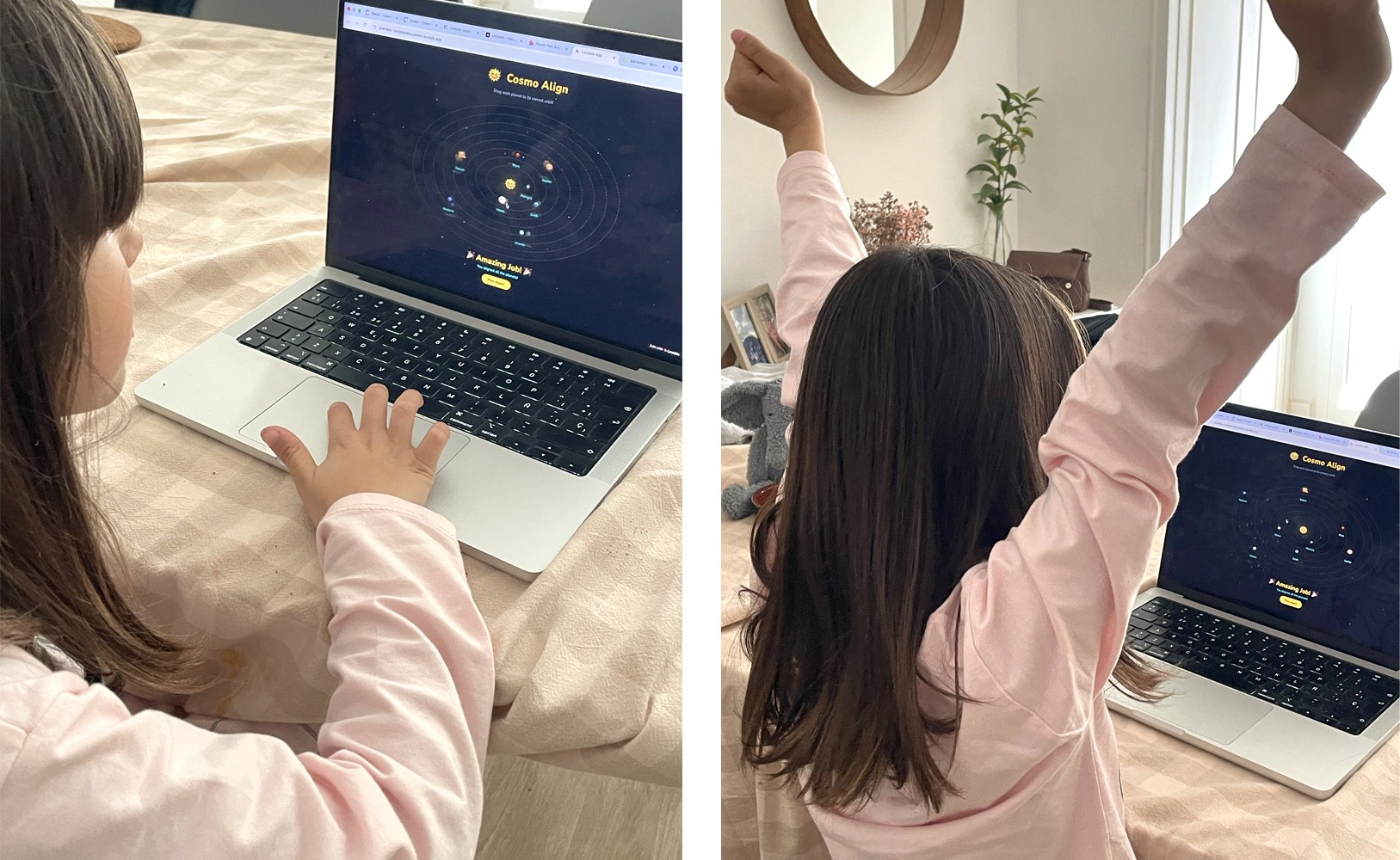
This process involved multiple iterations using tools like Claude Code and Lovable, refining both the logic and the user experience until everything felt cohesive.
The final experience transformed a complex, abstract topic into a playful and engaging interaction. By combining simple mechanics with expressive visuals and feedback, the tool encouraged exploration, curiosity, and active learning! And my kid loved it :)
Go to app!
